
security
Home security

Armed Security Tips For Your Event : Safety Measures And Precautions
With so many elements to consider, planning an event may be stressful. The safety of your visitors and personnel, on the other hand, should...

The Future Of Home Security: Exploring The Benefits Of Biometric Safes
The trend of Biometrics Security is a widespread talk now. Recently, a lot of organizations and businesses have shown interest in the future of...
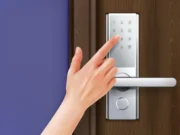
Enhance Security with Smart Digital Door Lock Systems
The importance of security and privacy in our daily lives has only been magnified in recent years. With advancements in technology, homeowners and businesses...

How To Prevent Cybersecurity Threats From Costing You Thousands
Unfortunately, nowadays, no one is safe when it comes to cyberattacks. There is a common misconception that small companies aren’t likely targets simply because...
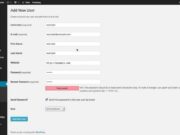
How to Password Protect WordPress Admin (or Any) Apache Directory
If you are running WordPress, it’s a good idea to lock down the WordPress admin. Sure, it’s password protected already. But you can (and should) add some extra security to lessen your vulnerability to any newly discovered PHP or WordPress